
Platform Release Notes - February 5, 2026
This is to provide an update on the latest fixes, feature improvements and accessibility updates across the Colorado.gov CMS platform. Please review for any relevant information you may want to share with your CMS teams.
Fixes Completed:
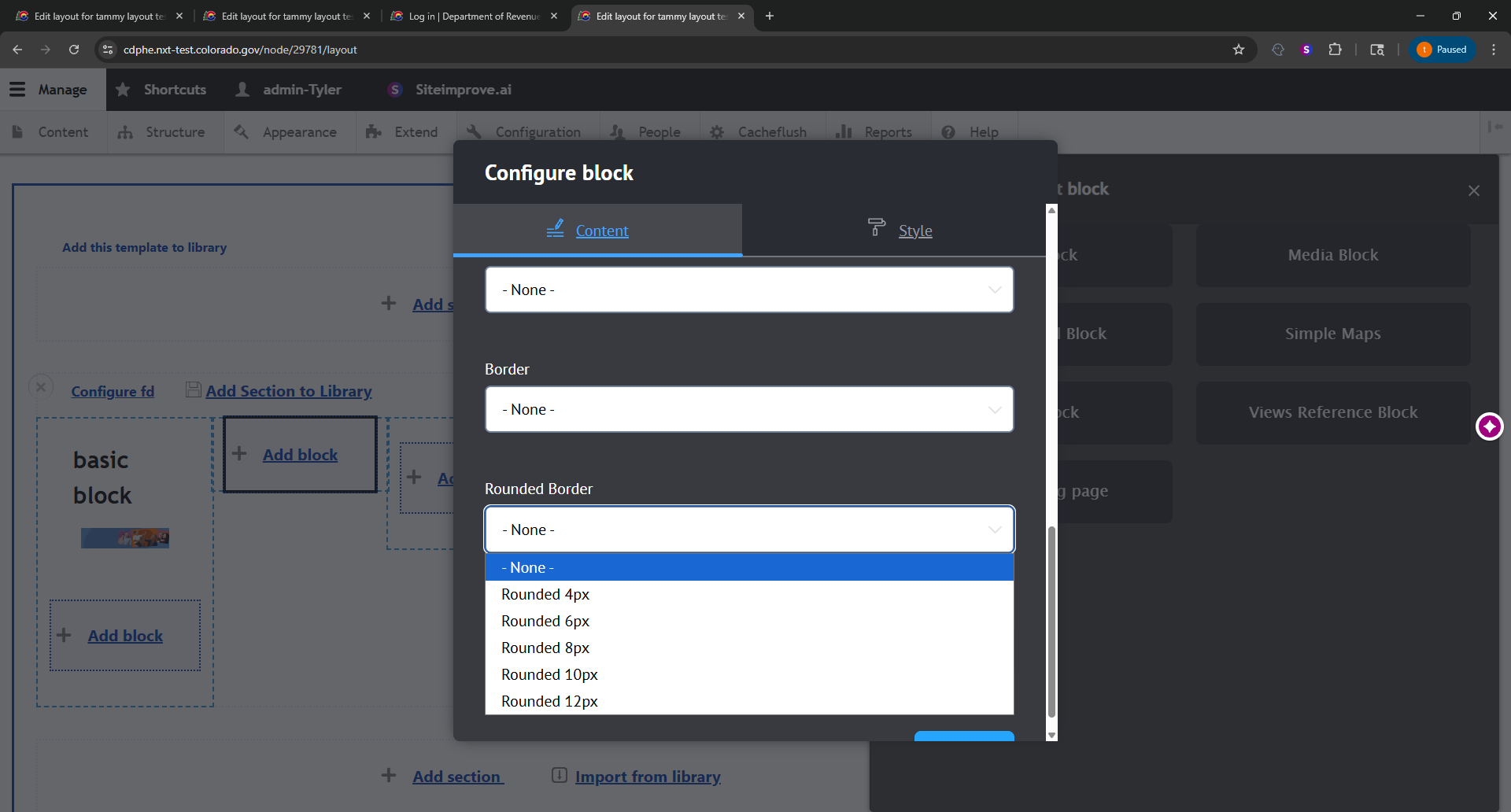
Layouts – Dropdown Contrast
- Description of Issue: Lack of sufficient contrast on Layout Builder dropdowns (white text on white background)
- Fix Description: Text contrast has been adjusted to be black on white (sufficient contrast ratio)
Before:
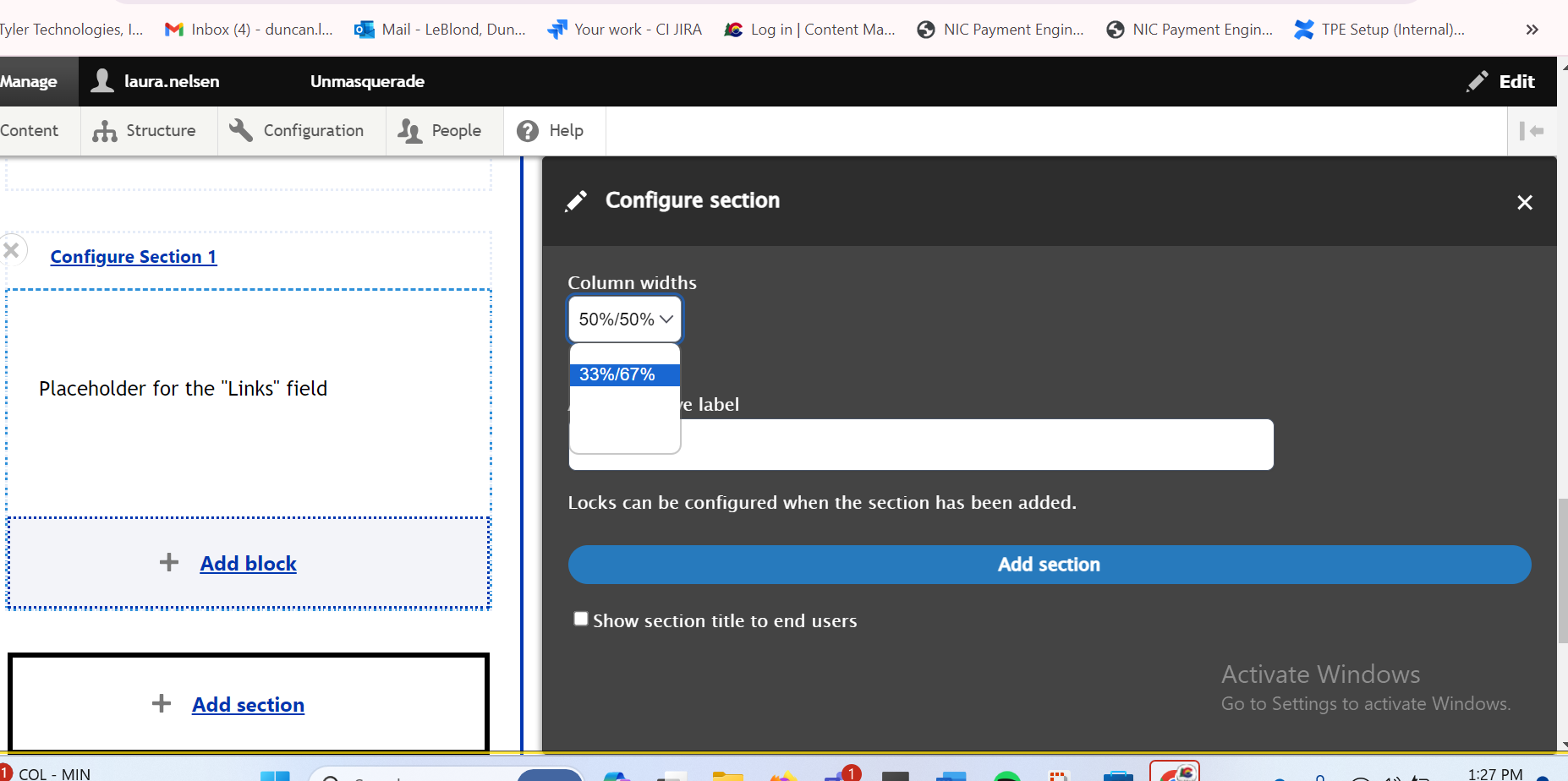
Fixed:
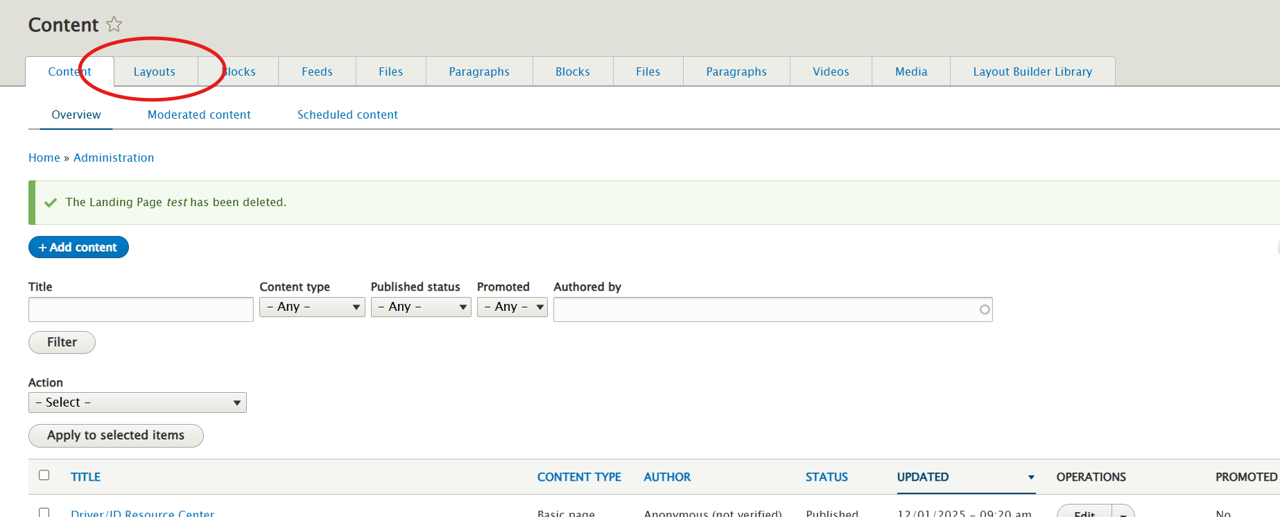
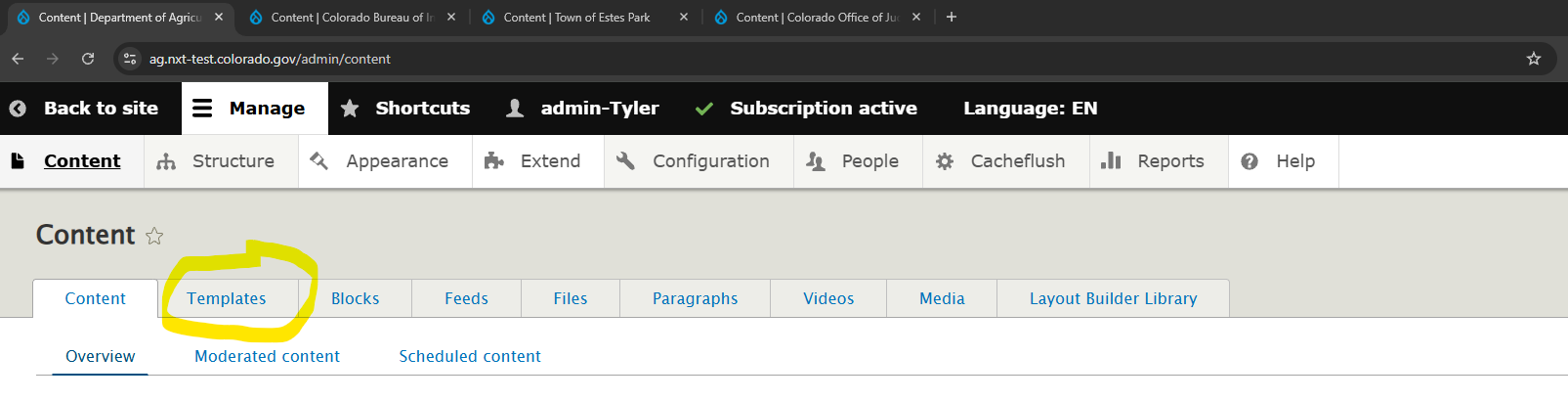
Content Module – Layouts Tab Name
- Description of Issue: The ‘Layouts’ tab in the content module is confusing due to it being named identically to the ‘Layout’ content type
- Fix Description: The ‘Layouts’ tab in the content module was renamed as ‘Templates.’
Example:
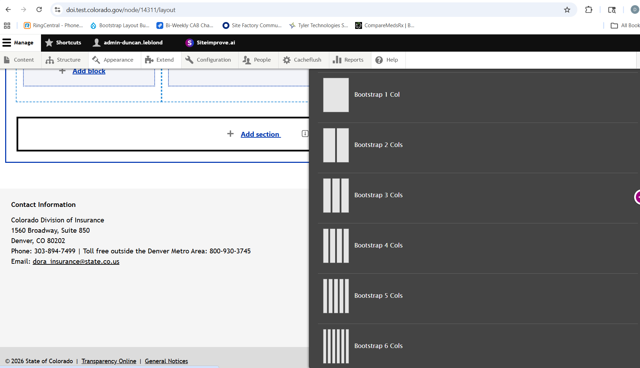
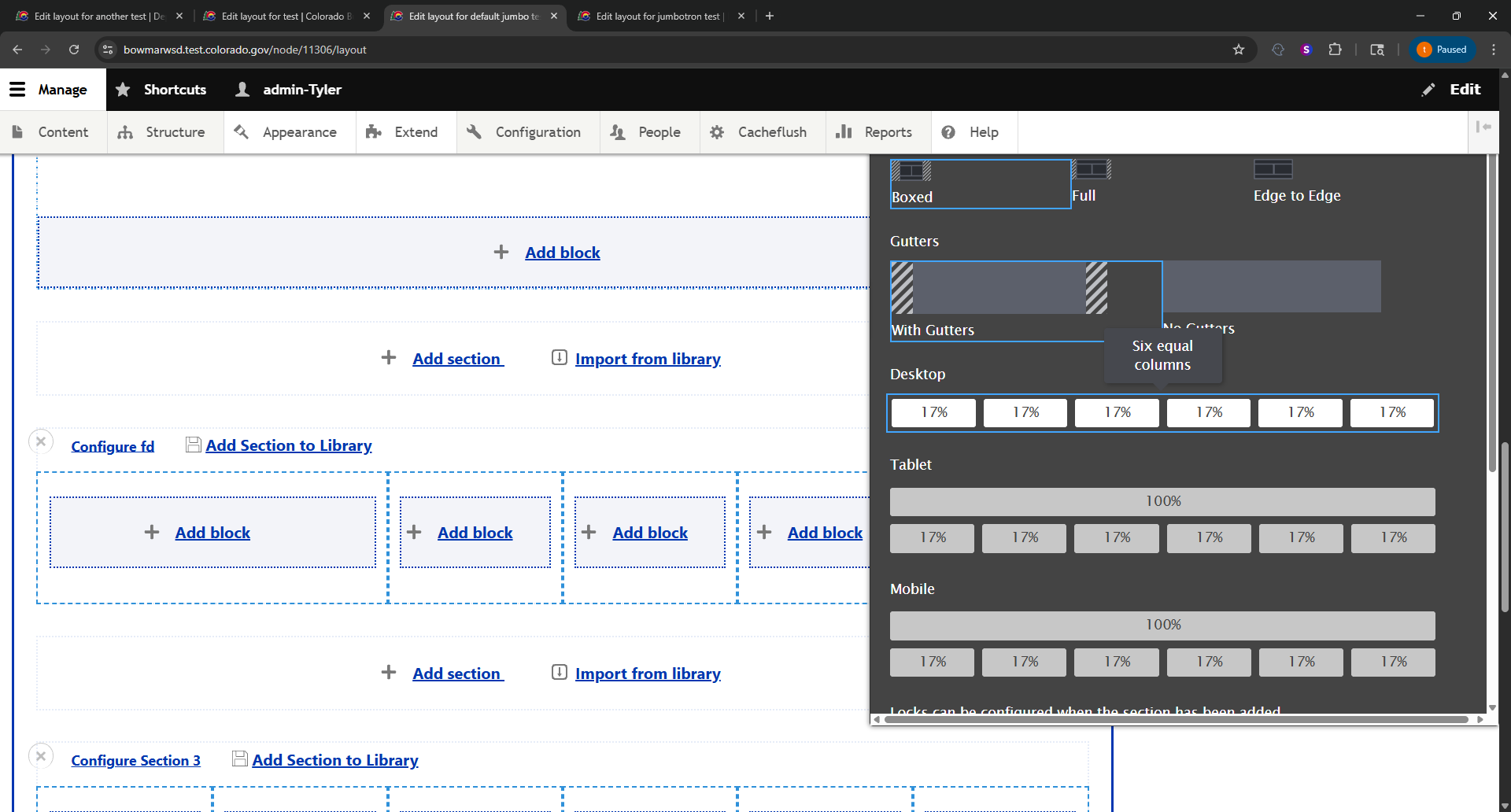
Layouts – Columns
- Description of Issue: Layouts could only be designed with up to 4 columns, which does not mirror the functionality of Basic Pages and Landing Pages
- Fix Description: The Bootstrap Layout Builder has been configured to allow the creation of up to 6 columns across
Example:
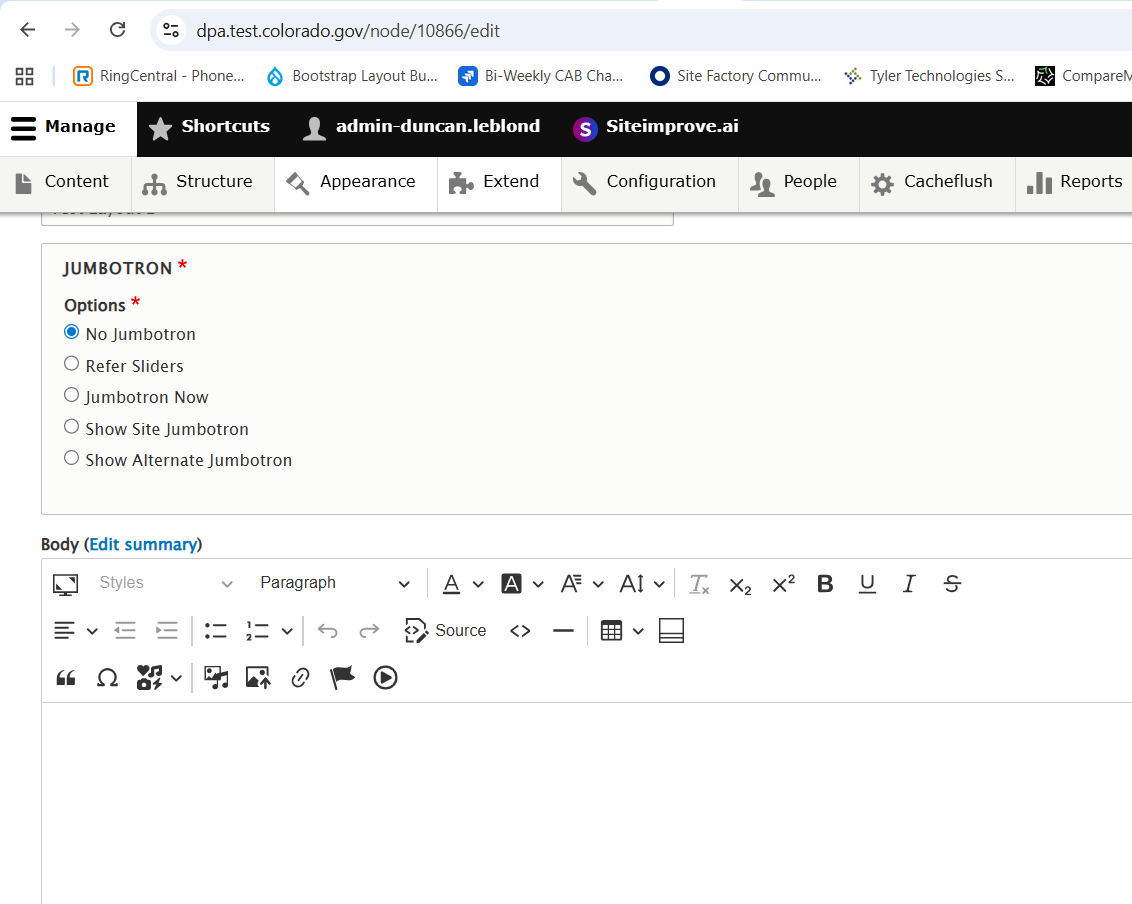
Layouts – Featured Image
- Description of Issue: The Featured Image option was not functional in the Layout content type
- Fix Description: Replaced the feature image field with the jumbotron options available on Landing pages.
Example:
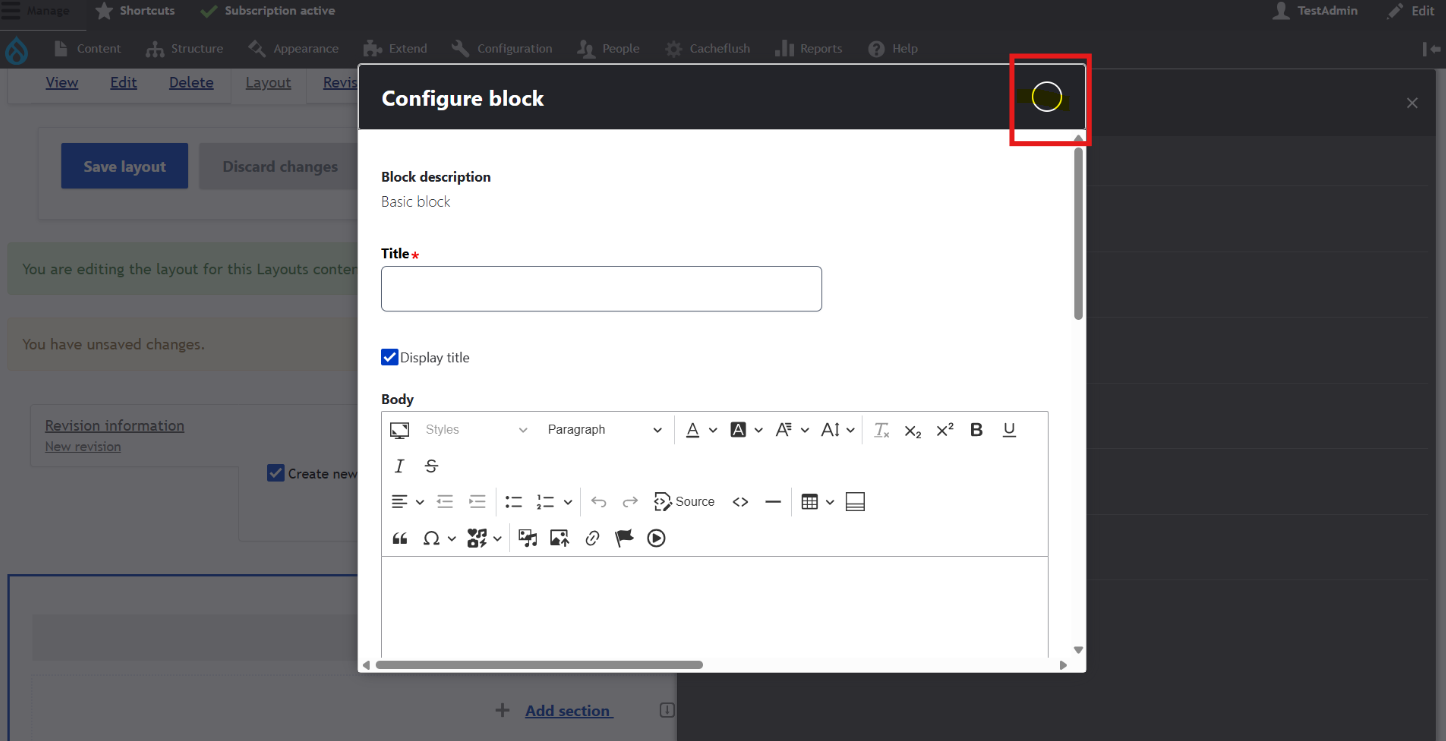
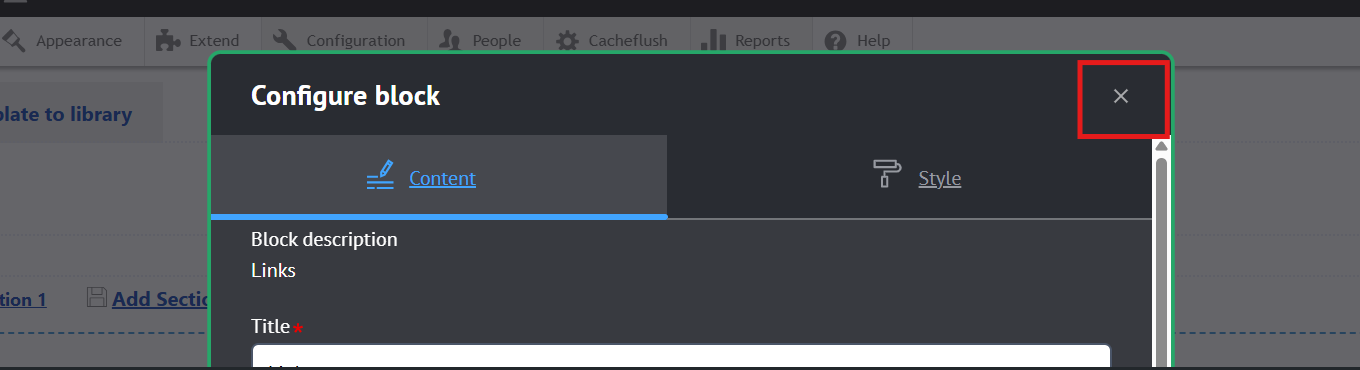
Layouts – Button Contrast (Fix for CODX)
- Description of Issue: The block editing interface on Layout pages has an exit/close button that is invisible unless hovered over.
- Fix Description: Default CSS classes have been added back to the button to ensure it is both visible and contrast ratio complies with WCAG 2.1 AA
Before:
Fixed:
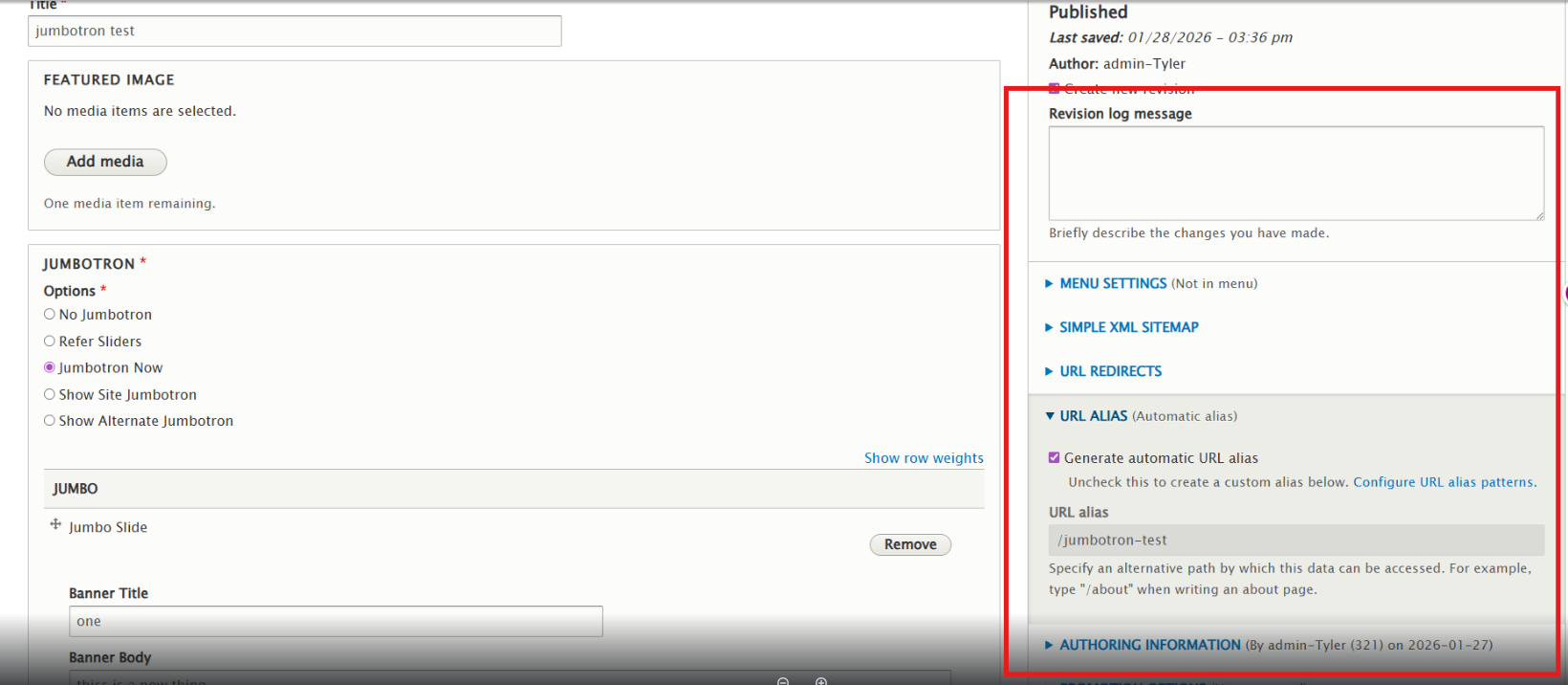
Layouts – Mirror setting options present in Landing pages
- Description of Issue: Layouts lack some of the settings present on Basic Pages and Landing Pages
- Fix Description: Settings have been added to mirror the functionality of other page content types
New Features:
Bootstrap Layout Builder
Description: This module enhances Drupal’s core Layout Builder module by adding a responsive grid system and more flexible layout controls.
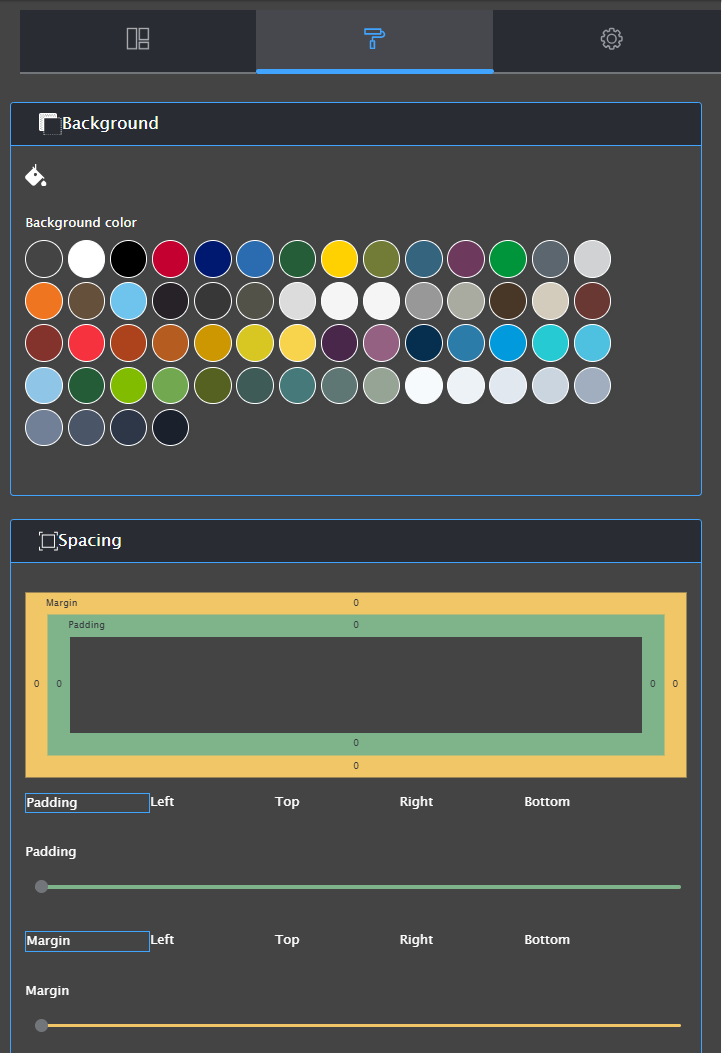
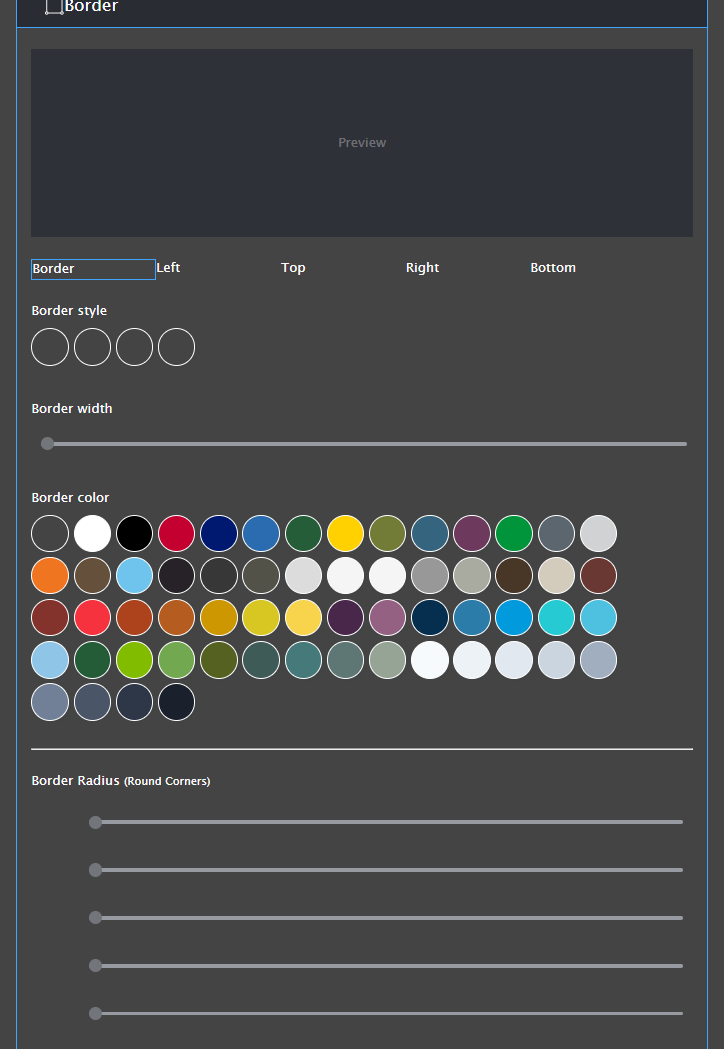
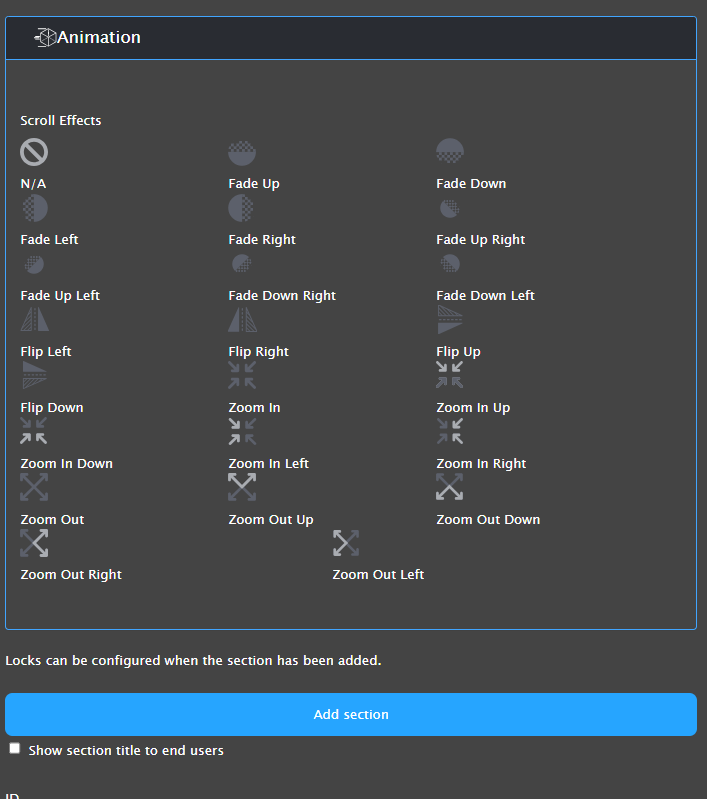
- Responsive grid support: Creates fully responsive page layouts using a grid with up to 6 columns per section
- Better Layout Builder UX: Adds options and controls to the Layout Builder UI, making it easier to build rich, structured pages quickly
- Breakpoint control: Comes with predefined customizable breakpoints (mobile, tablet, desktop)
- Section wrappers: Pick from boxed, full-width (flush), or contained section widths to structure your layout
- Advanced class control: Customize container, row, and column classes so Layout Builder sections output exactly the CSS classes you need
We continue to make edits to the CMS site training/information as features change on the platform, but if you can’t find what you need please contact us via our Partner Support Portal.
*Points breakdown based off Taxation Site Improve report. Other sites may have either a higher or lower points gained based off occurrences.